

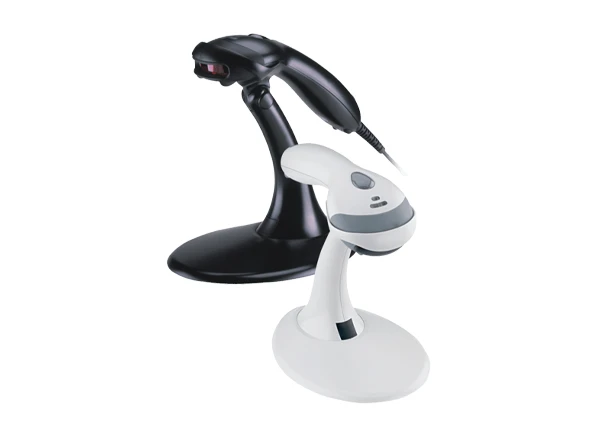
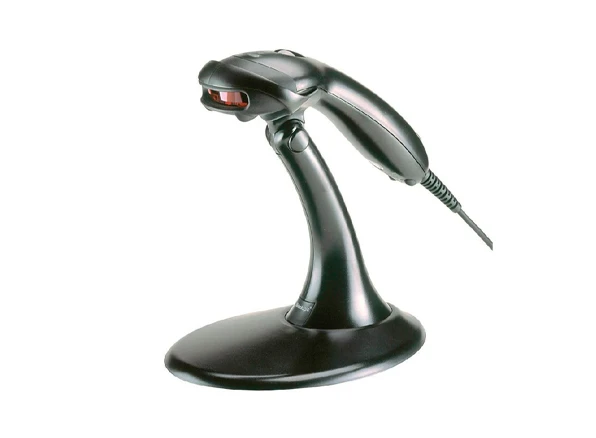
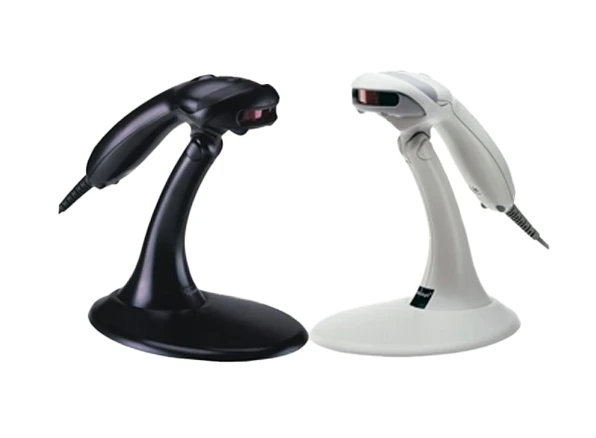
A laser engine inside the Voyager 9540 Voyager scans barcodes at a speed of 72 scans per second without error. Barcode decoding and transport to the computer is handled by a highly customizable decoder on the Voyager 9540.The Voyager 9540 makes barcode reading easier with its CodeGate feature. Most users find barcode scanning to be safer and easier because to its special scanning technology, which automatically activates the scanner once a barcode enters the scanning range. Barcodes that are scanned and decoded automatically will be transferred to the computer without the need for CodeGate. While this is undoubtedly useful and convenient, it may not be the best option for many applications because it can be simple to submit wrong barcodes when scanning multiple barcodes from lists at once. Honeywell created the CodeGate button for the Voyager 9540 with this in mind.
Download the detailed datasheet for Honeywell Voyager 9540 — covering key features, technical specifications, and practical usage information.
Specification of Honeywell Voyager 9540
| Features | Automatic Trigger, CodeGate™ Technology, MetroSet™2 Software |
| Decode Capability | 1D |
| Scanning Range | Standard range (SR) |
| Scan Pattern | Single Scan Line |
| Aimer Type | LED |
| Engine Type | 1D Laser |
| Power Connector Type | Corded |
The Honeywell Voyager 9540 is available at InfomeKSA, a trusted supplier of Barcode Scanners in Saudi Arabia. We provide 100% genuine products, manufacturer warranty, competitive pricing, fast nationwide delivery, and expert pre-sales and after-sales support.
You can easily purchase the Honeywell Voyager 9540 from InfomeKSA through three convenient options:
Step 1: Click the "Get a Quote" button on this page to start.
Step 2: Fill in your business details and preferred configuration/specifications.
Step 3: Our team will send a customized quotation and proposal based on your requirements.
Step 1: Message us directly on WhatsApp for a quick chat.
Step 2: Get real-time pricing, availability, and support from our sales team.
Step 3: Confirm your order instantly and schedule a delivery.
Message UsStep 1: Visit our InfomKSA office in person.
Step 2: Explore the product and discuss configurations.
Step 3: Complete your purchase directly with our sales team.
Get Direction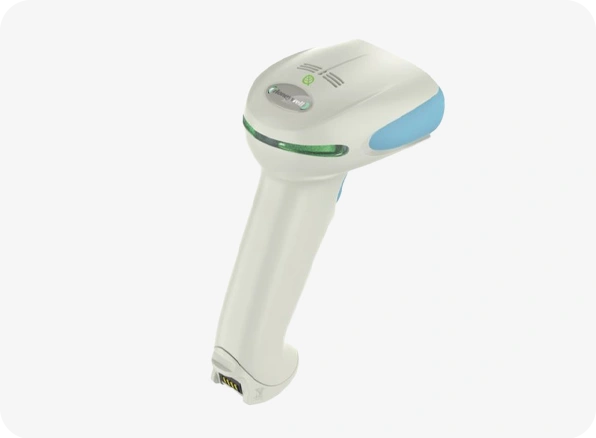
Honeywell Xenon 1952h
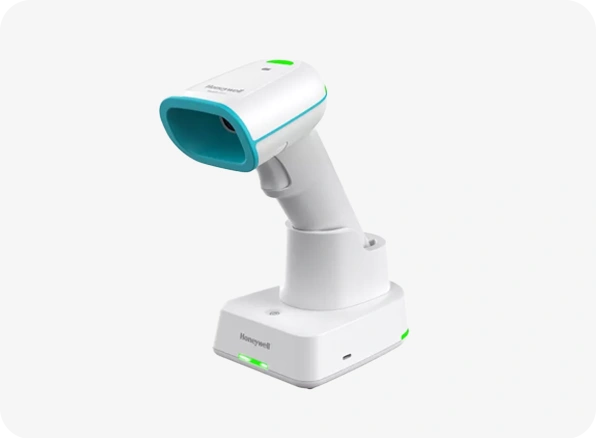
Honeywell Xenon Ultra 1962h
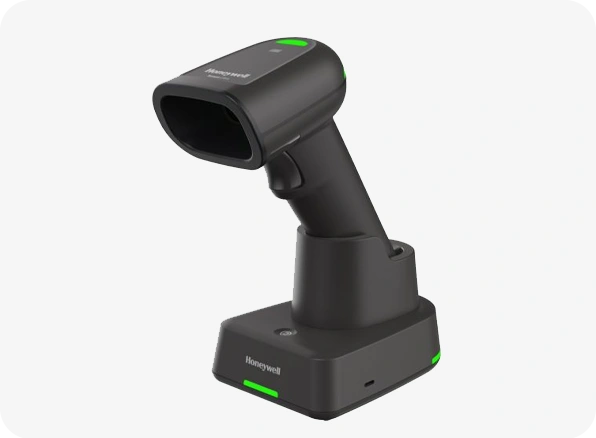
Honeywell Xenon Ultra 1962g
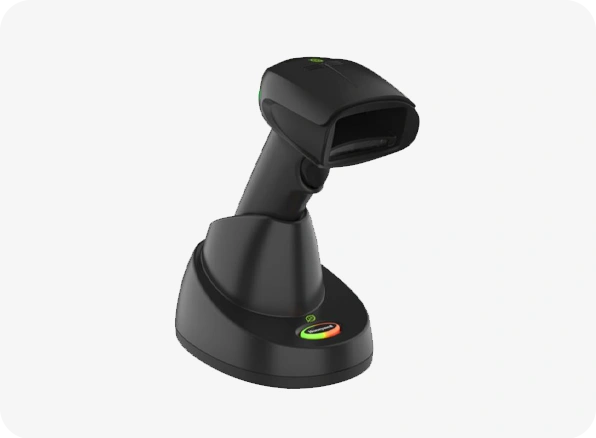
Honeywell Xenon 1952g