

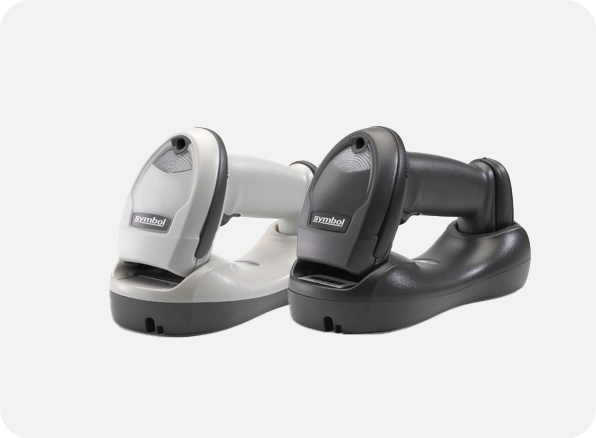
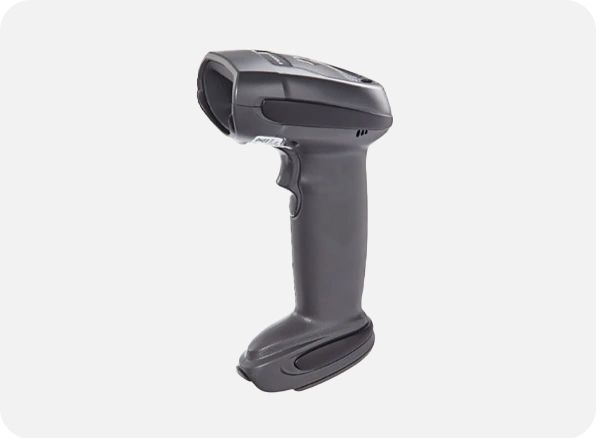
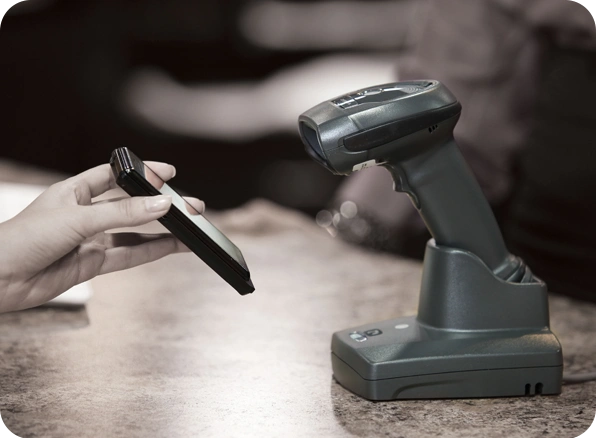
Employees can scan 1-D bar codes more quickly and extensively thanks to the LI4278. Almost any type of 1-D bar code can be scanned by workers, including the standard ones that are printed on paper labels, electronic ones that are shown on a computer, tablet, or mobile device and enable retailers to process mobile coupons, loyalty cards, and other offers with ease, and high density (HD) bar codes that are frequently used in the production of electronic components. While 200% UPC codes may be scanned at a distance of 55 in./139.7 cm, 100% UPC bar codes can be recorded from close proximity to over 30 in./76.2 cm. Workers spend more time on task and less time navigating the scanner because bar codes can be scanned at extreme angles, making scanning easier than before. Additionally, your employees will have the flexibility to use the scanner in both handheld and hands-free modes thanks to an optional cradle that activates presentation mode.
Specification of Zebra LI4278 Handheld Scanner
| Scan Pattern | Single bright aiming line |
| Scan Speed | 547 scans per second |
| Motion Tolerance | 25 in./ 63.5 cm per second |
| Light Source | LED Class 1 device 617nm (amber) |
| Scans Per Charge | Up to 57,000 |
| Hours of Operation | Per full charge: 72 hours |
The Zebra LI4278 Handheld Scanner is available at InfomeKSA, a trusted supplier of Barcode Scanners in Saudi Arabia. We provide 100% genuine products, manufacturer warranty, competitive pricing, fast nationwide delivery, and expert pre-sales and after-sales support.
You can easily purchase the Zebra LI4278 Handheld Scanner from InfomeKSA through three convenient options:
Step 1: Click the "Get a Quote" button on this page to start.
Step 2: Fill in your business details and preferred configuration/specifications.
Step 3: Our team will send a customized quotation and proposal based on your requirements.
Step 1: Message us directly on WhatsApp for a quick chat.
Step 2: Get real-time pricing, availability, and support from our sales team.
Step 3: Confirm your order instantly and schedule a delivery.
Message UsStep 1: Visit our InfomKSA office in person.
Step 2: Explore the product and discuss configurations.
Step 3: Complete your purchase directly with our sales team.
Get Direction
Zebra DS5502 LB for Labs Fixed Mount Scanner
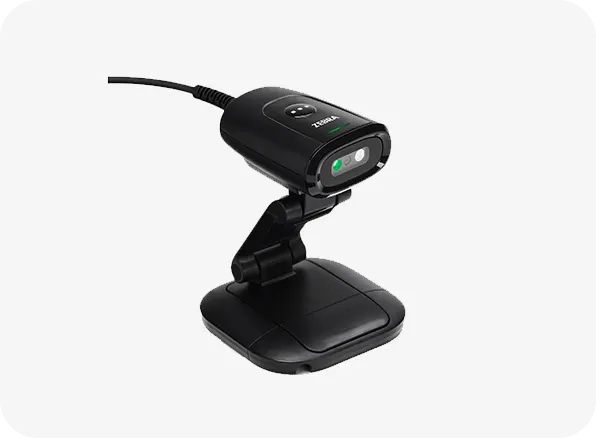
Zebra DS5502 Fixed Mount Scanner
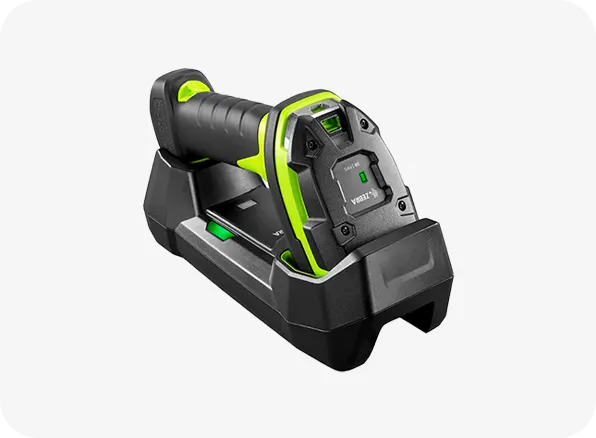
Zebra LI3600 SR Ultra Rugged Scanner
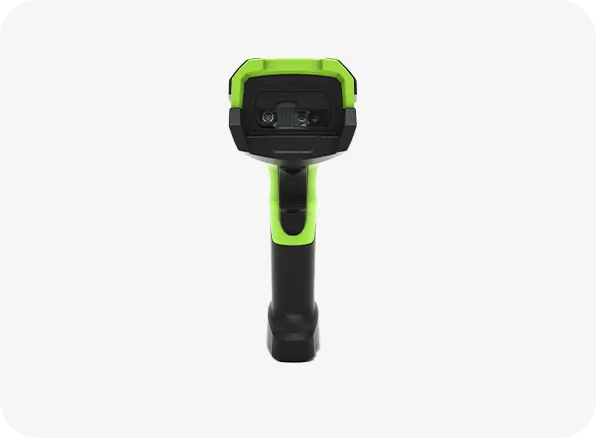
Zebra LI3600 ER Ultra Rugged Scanner