

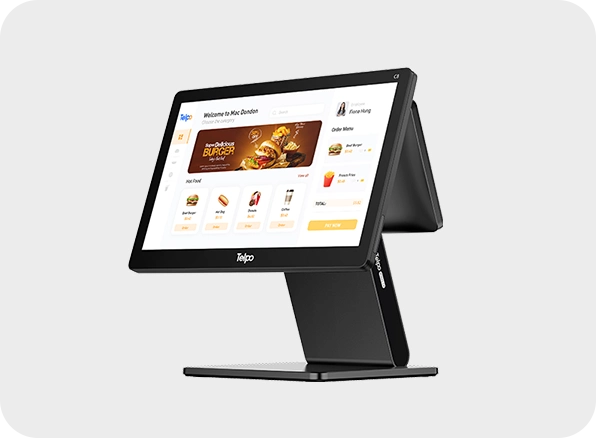
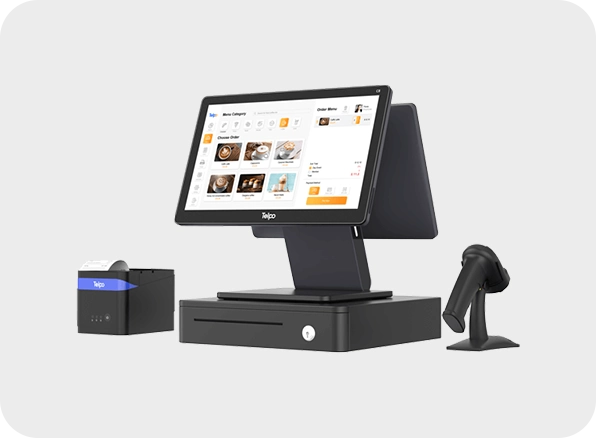
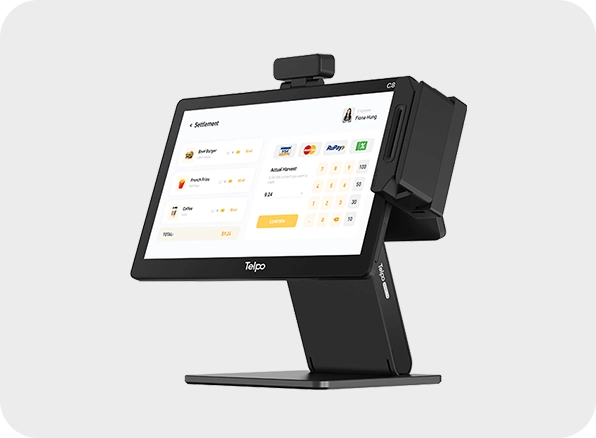
The Telpo C8 is a modern desktop POS system designed for retail, restaurants, and high-traffic environments in Saudi Arabia. Powered by Telpo OS (Android 13) and an octa-core 2.0 GHz processor, it delivers fast, stable performance for smooth transactions. Its modular design supports single or dual displays, including 15.6" FHD and 10.1" HD screens, giving businesses flexibility at checkout. With hidden cable management and elegant black or white finishes, it combines style with utility. InfomeKSA offers the Telpo C8 preloaded with your POS or ERP software, plus on-site installation, training, and dedicated local support, ensuring you get a reliable and future-ready POS solution.
Specification of C8 Android Desktop POS
| OS | Telpo OS based on Android 13 |
| CPU | Octa core 2.0 GHz (optionally hexa core 1.8 GHz) |
| Memory | 2/4/8 GB RAM and 16/64/128 GB ROM with TF card slot |
| Main Display | 15.6inch FHD, multi touch |
| Customer Display (optional) | 10.1inch HD or 15.6inch FHD |
| Printer | 80 mm thermal, auto cutter, 250 mm/s speed |
| Camera Modules | Optional single, dual lens, or 3D camera |
| I/O Ports | 4 × USB A, Micro USB, RS 232, RJ11, RJ12, RJ45, audio jack |
| Connectivity | Wi Fi, Bluetooth, Ethernet, optional 4G LTE/GPS |
| Environmental Range | Operating –5 °C to 45 °C; Storage –25 °C to 60 °C |
| Certifications | CE & FCC |
The C8 Android Desktop POS is available at InfomeKSA, a trusted supplier of Desktop POS System in Saudi Arabia. We provide 100% genuine products, manufacturer warranty, competitive pricing, fast nationwide delivery, and expert pre-sales and after-sales support.
You can easily purchase the C8 Android Desktop POS from InfomeKSA through three convenient options:
Step 1: Click the "Get a Quote" button on this page to start.
Step 2: Fill in your business details and preferred configuration/specifications.
Step 3: Our team will send a customized quotation and proposal based on your requirements.
Step 1: Message us directly on WhatsApp for a quick chat.
Step 2: Get real-time pricing, availability, and support from our sales team.
Step 3: Confirm your order instantly and schedule a delivery.
Message UsStep 1: Visit our InfomKSA office in person.
Step 2: Explore the product and discuss configurations.
Step 3: Complete your purchase directly with our sales team.
Get Direction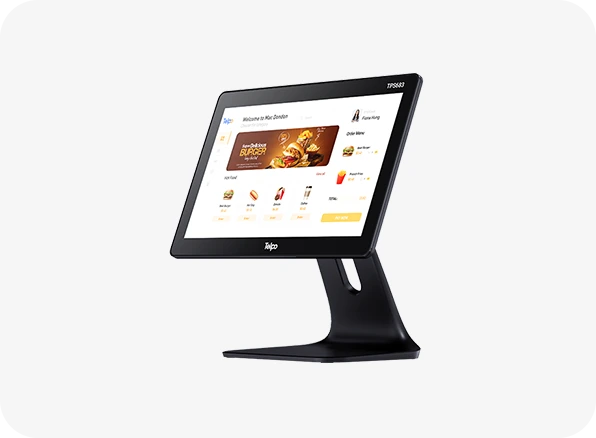
TPS683 Single Display Desktop POS
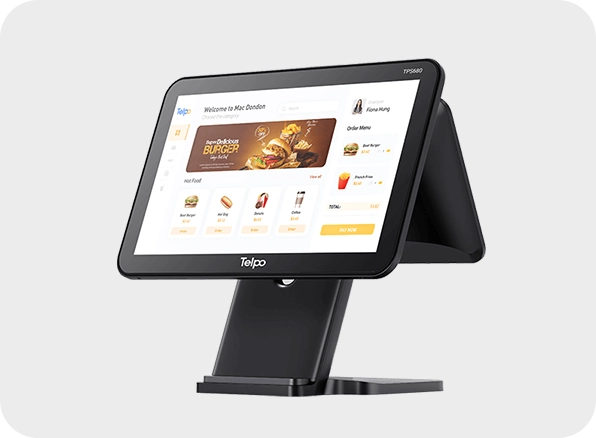
TPS680 Smart Cash Register
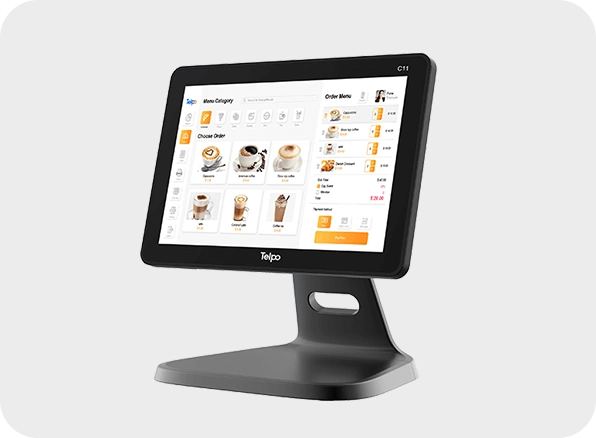
C11 10.1 inch Point of sale
.webp)
C1 Android Cash Register