


The Zebra TC53 is a cutting-edge mobile computer designed to transform enterprise workflows across retail, logistics, transportation, and field services in Saudi Arabia. With ultra-fast 5G and Wi-Fi 6E connectivity, a powerful Qualcomm processor, and a brilliant 6-inch Full HD+ display, it delivers unmatched speed, clarity, and responsiveness for your frontline teams.
Equipped with Zebra’s SE4720 or SE55 scanner with IntelliFocus™, the TC53 enables fast, accurate data capture, even in dynamic environments. Whether you're deploying AR, real-time video calls, or parcel dimensioning, the TC53 is built for modern business demands. Now available in Riyadh, Jeddah, Dammam, and across KSA from InfomeKSA.
Specification of Zebra TC53 Mobile Computer
| Operating System | Android 11 (upgradeable to Android 16) |
| Processor | Qualcomm 6490 octa-core, 2.7 GHz |
| Memory | 6 GB / 8 GB RAM with 64 GB / 128 GB UFS Flash |
| Display | 6.0inch Full HD+ (2160 x 1080), Corning Gorilla Glass |
| Scanner Options | SE4720 (standard) or SE55 IntelliFocus™ (extended range) |
| Camera | Rear 16 MP, Front 8 MP |
| Battery | 4400 mAh (standard) / 6600 mAh (extended), hot-swappable |
| Connectivity | 5G, Wi-Fi 6E, Bluetooth 5.2, NFC, GPS, USB-C |
The Zebra TC53 Mobile Computer is available at InfomeKSA, a trusted supplier of Mobile Computer in Saudi Arabia. We provide 100% genuine products, manufacturer warranty, competitive pricing, fast nationwide delivery, and expert pre-sales and after-sales support.
You can easily purchase the Zebra TC53 Mobile Computer from InfomeKSA through three convenient options:
Step 1: Click the "Get a Quote" button on this page to start.
Step 2: Fill in your business details and preferred configuration/specifications.
Step 3: Our team will send a customized quotation and proposal based on your requirements.
Step 1: Message us directly on WhatsApp for a quick chat.
Step 2: Get real-time pricing, availability, and support from our sales team.
Step 3: Confirm your order instantly and schedule a delivery.
Message UsStep 1: Visit our InfomKSA office in person.
Step 2: Explore the product and discuss configurations.
Step 3: Complete your purchase directly with our sales team.
Get Direction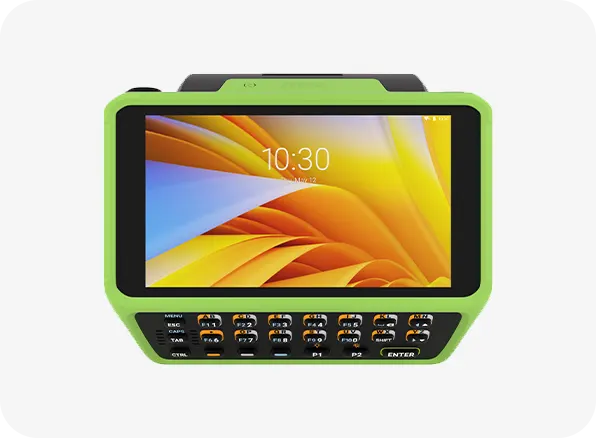
Zebra WT6400 Wearable Computer
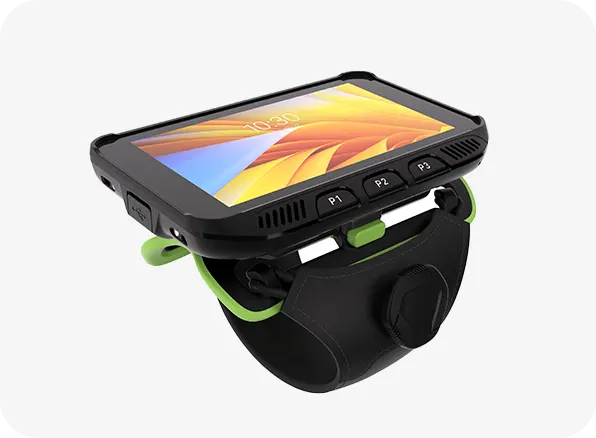
Zebra WT5400 Wearable Computer
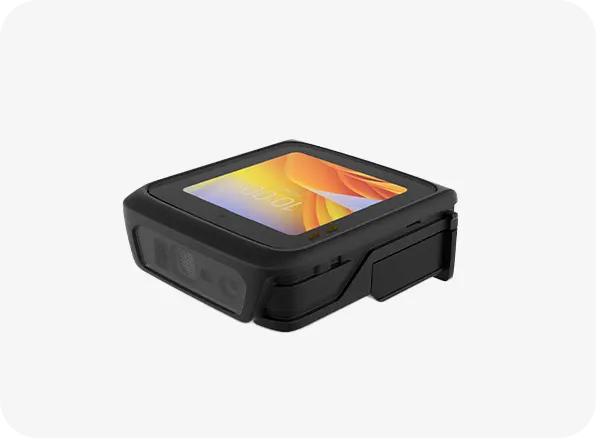
Zebra WS501 Wearable Computer
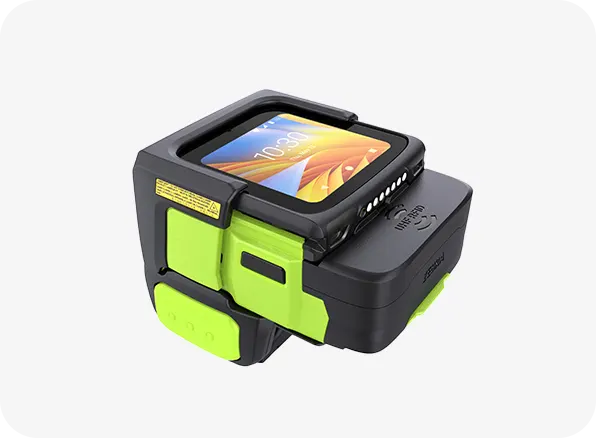
Zebra WS50 Wearable Computer RFID