

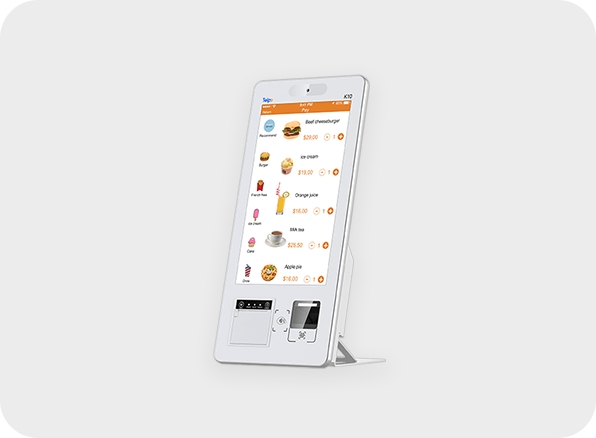
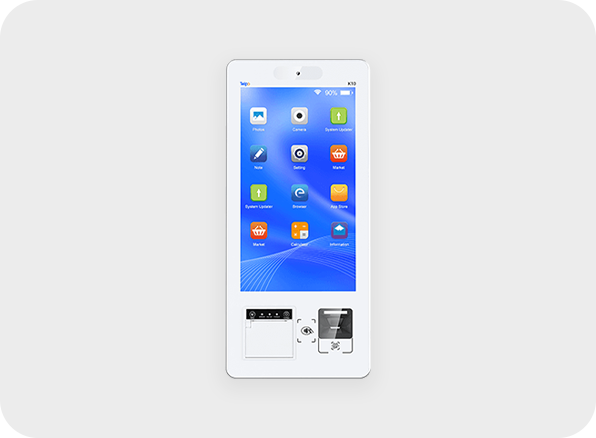
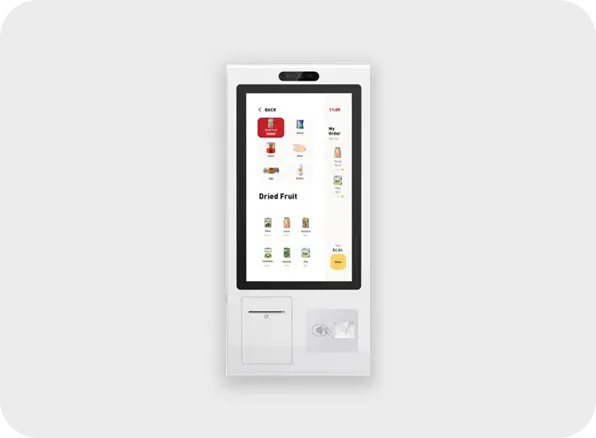
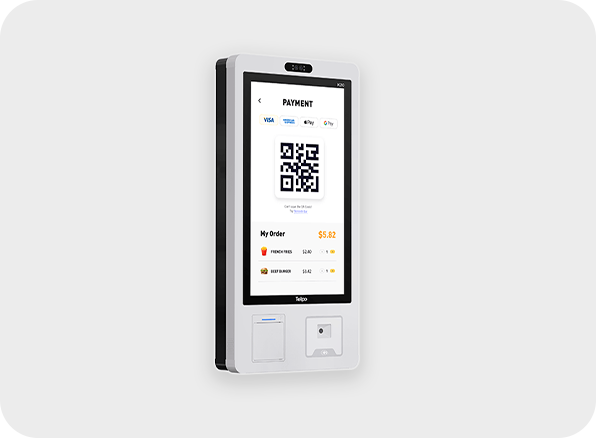
The Telpo K10 Desktop Self-Service Kiosk in Saudi Arabia is a compact, all-in-one solution designed to enhance customer interactions in retail, hospitality, and service industries. With its sleek design and intuitive touchscreen interface, the K10 supports multiple applications such as self-ordering, self-check-in, and self-payment, helping businesses improve efficiency and reduce customer wait times.
Powered by Android OS, it comes equipped with a high-resolution display, built-in QR/barcode scanner, NFC reader, and an optional thermal printer for fast and accurate receipts. Its space-saving design and versatile connectivity options, including Wi-Fi, Ethernet, and 4G, make it easy to integrate with POS systems and cloud platforms. Ideal for shops, restaurants, hotels, and service counters, the Telpo K10 empowers Saudi businesses to deliver a seamless self-service experience.
Specification of Telpo K10 Desktop Self Service Kiosk
| OS | Telpo OS (Based on Android 13) |
| Processor | Hexa-Core 1.8GHZ |
| Memory | 4GB RAM, 64GB ROM |
| Display | 15.6inch, 1080*1920 |
| Face Recognition (Optional) | Dual-Lens Camera |
| Audio | Digital Audio Speaker |
| Communications | Wi-Fi/ Bluetooth/ Ethernet |
| Weight (kg) | 6.3 |
| Dimensions (mm) | 575(L)*246 (W)*123(H) |
| Power Supply | 24V/5A |
The Telpo K10 Desktop Self Service Kiosk is available at InfomeKSA, a trusted supplier of Self Service Kiosk in Saudi Arabia. We provide 100% genuine products, manufacturer warranty, competitive pricing, fast nationwide delivery, and expert pre-sales and after-sales support.
You can easily purchase the Telpo K10 Desktop Self Service Kiosk from InfomeKSA through three convenient options:
Step 1: Click the "Get a Quote" button on this page to start.
Step 2: Fill in your business details and preferred configuration/specifications.
Step 3: Our team will send a customized quotation and proposal based on your requirements.
Step 1: Message us directly on WhatsApp for a quick chat.
Step 2: Get real-time pricing, availability, and support from our sales team.
Step 3: Confirm your order instantly and schedule a delivery.
Message UsStep 1: Visit our InfomKSA office in person.
Step 2: Explore the product and discuss configurations.
Step 3: Complete your purchase directly with our sales team.
Get Direction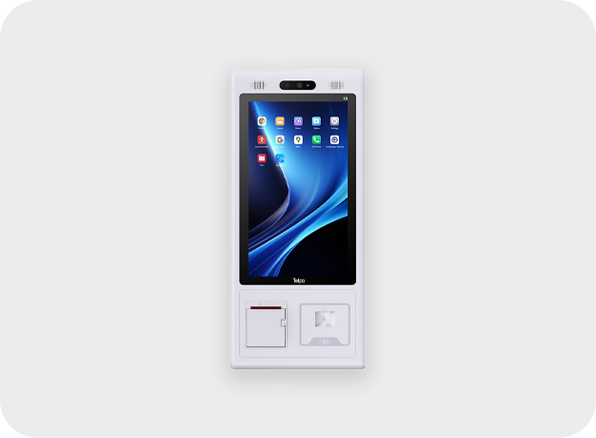
Telpo K8 Self Service Kiosk
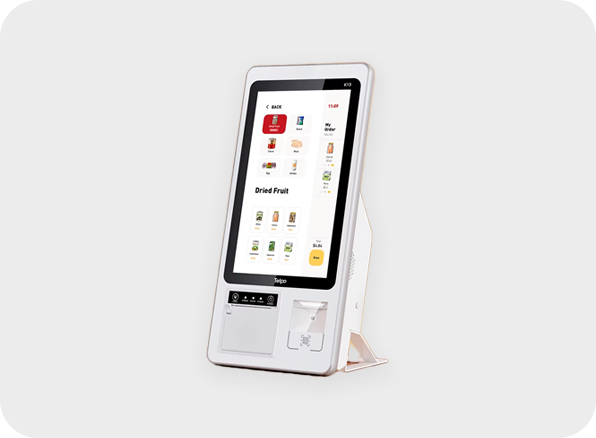
Telpo K10MINI Mini Kiosk
Telpo K8M Self Checkout Kiosk
Telpo K20 Self Ordering Kiosk